


Quick Verdict
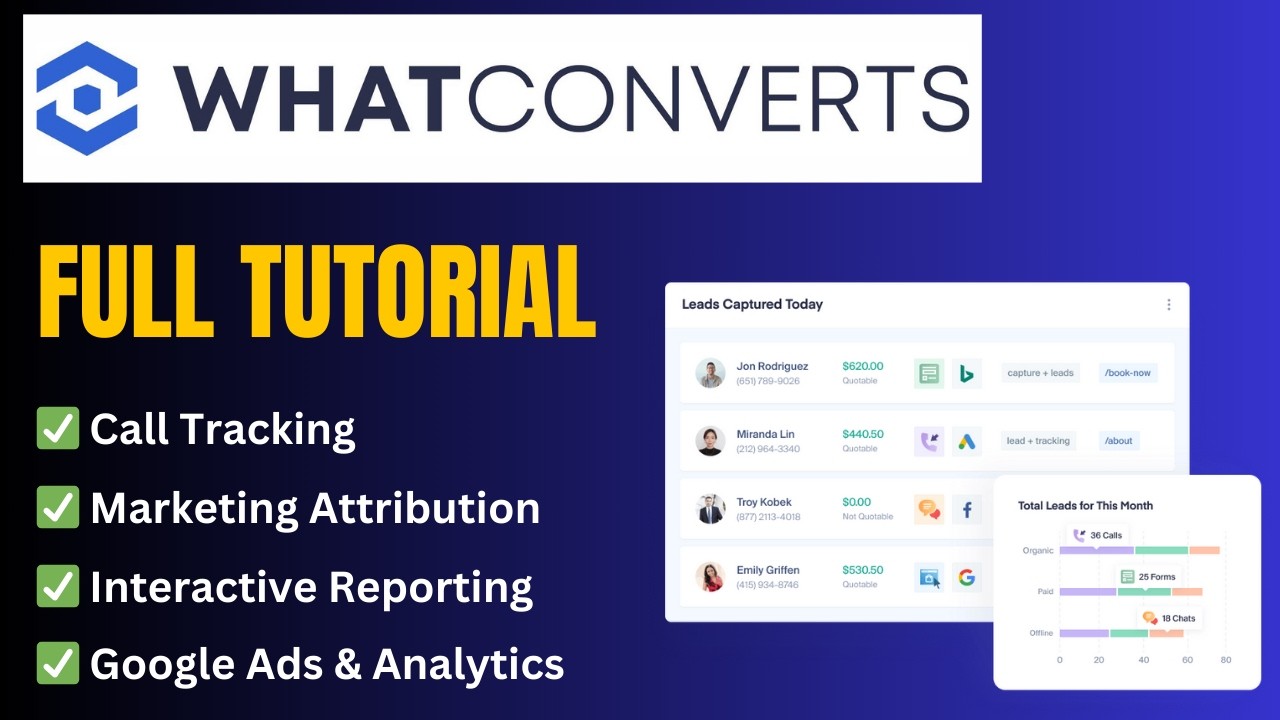
WhatConverts is a lead tracking and marketing attribution platform designed to help businesses and agencies understand exactly which marketing campaigns generate leads, phone calls, form submissions, chats, and revenue. Unlike traditional call-tracking tools, WhatConverts focuses on connecting every lead back to its original marketing source, making it easier to measure ROI and optimize advertising spend.
Overall Rating: 8.9/10
Pros
-
Tracks calls, forms, chats, and ecommerce conversions in one platform
-
Excellent lead attribution and ROI reporting
-
Strong Google Ads integration
-
White-label reporting for agencies
-
Easy setup for most websites
-
Supports lead qualification and scoring
Cons
-
Usage-based pricing can become expensive at scale
-
Advanced reporting requires a learning curve
-
Interface feels dated compared to newer competitors
-
No dedicated mobile app
-
Some users report limitations in unique lead reporting
What Is WhatConverts?
WhatConverts is a lead tracking platform that captures every lead generated by your marketing efforts and attributes it back to the exact campaign, source, keyword, or landing page responsible for the conversion.
The platform tracks:
-
Phone calls
-
Web form submissions
-
Live chat conversations
-
Ecommerce transactions
-
Offline leads
All leads are centralized into a single dashboard where marketers can qualify, score, and analyze performance.
For agencies managing multiple clients or businesses spending heavily on paid advertising, this level of attribution can provide significantly more visibility than standard analytics tools.
Key Features
1. Multi-Channel Lead Tracking
One of WhatConverts’ biggest strengths is that it tracks more than just phone calls.
The platform can capture:
-
Calls
-
Contact forms
-
Live chat leads
-
Ecommerce transactions
Everything is stored in a unified lead dashboard, making it easier to understand where leads originate and which channels perform best.
2. Call Tracking
Call tracking remains one of WhatConverts’ strongest capabilities.
Features include:
-
Dynamic Number Insertion (DNI)
-
Call recording
-
Call transcription
-
Geographic call routing
-
IVR menus
-
Tracking numbers
-
Keyword-level attribution
This allows marketers to see exactly which campaigns generate phone leads.
3. Lead Attribution
WhatConverts is built around answering a simple question:
“Which marketing activity generated this lead?”
The platform attributes leads to:
-
Google Ads campaigns
-
Organic search
-
Social media
-
Referral traffic
-
Email campaigns
-
Landing pages
This level of attribution is one of the main reasons agencies choose WhatConverts over simpler call-tracking tools.
4. Lead Qualification & Scoring
Not every lead is valuable.
WhatConverts allows users to:
-
Mark leads as qualified
-
Assign lead values
-
Remove junk leads
-
Score lead quality
-
Track sales outcomes
This helps businesses focus on revenue-generating opportunities instead of simply counting conversions.
5. Agency Reporting
For marketing agencies, reporting is one of the platform’s biggest selling points.
Agency-focused features include:
-
White-label dashboards
-
Client reporting
-
Multi-account management
-
Automated reports
-
Custom reporting tools
These capabilities make WhatConverts particularly popular among PPC and lead-generation agencies.
Ease of Use
Most users report that basic call tracking and lead tracking can be configured relatively quickly.
However, advanced features such as:
-
Lead scoring
-
Custom reports
-
Complex attribution models
can require additional setup and training. Several reviews mention that the platform is easy to start with but becomes more complex as organizations adopt advanced workflows.
Ease of Use Score: 8.5/10
Pricing
WhatConverts offers multiple plans designed for businesses and agencies. Recent pricing information indicates plans starting around:
-
Call Tracking: $30/month
-
Plus: $60/month
-
Pro: $100/month
-
Elite: $160/month
Agency plans are also available for larger organizations and marketing agencies. Additional usage fees may apply for tracking numbers, call minutes, transcriptions, and overages.
Before subscribing, businesses should estimate their expected call volume because usage-based pricing can significantly increase monthly costs.
WhatConverts vs Competitors
WhatConverts vs CallRail
Both platforms offer call tracking and attribution.
Choose WhatConverts if:
-
Lead attribution is your priority.
-
You need form and chat tracking.
-
You want a unified lead dashboard.
Choose CallRail if:
-
You want broader conversation intelligence features.
-
Your primary focus is call tracking.
WhatConverts vs Google Analytics
Google Analytics shows website traffic and conversion events.
WhatConverts focuses on:
-
Individual leads
-
Call attribution
-
Lead qualification
-
Revenue attribution
For businesses that depend heavily on phone calls and form submissions, the two tools often complement each other rather than compete directly.
Customer Feedback
Community sentiment is generally positive, especially among agencies and PPC professionals.
Users frequently praise:
-
Lead attribution accuracy
-
Fast onboarding
-
Helpful support team
-
Google Ads integration
Common complaints include:
-
Pricing complexity
-
Reporting limitations in certain scenarios
-
Interface design
-
Challenges around attribution expectations in privacy-focused environments
One PPC professional described WhatConverts as the lead tracking solution they deploy for new clients because of its ability to track calls, forms, and chats in a single system.
Who Should Use WhatConverts?
Best For
-
Marketing agencies
-
PPC specialists
-
Lead generation businesses
-
Local service companies
-
Law firms
-
Healthcare providers
-
Home services businesses
Not Ideal For
-
Ecommerce-only stores
-
Small businesses with minimal lead volume
-
Companies seeking a simple analytics platform
-
Organizations that require enterprise-level CRM functionality
Final Verdict
WhatConverts is one of the strongest lead attribution platforms available today. Its ability to track calls, forms, chats, and revenue within a single dashboard gives marketers a clearer understanding of what actually drives leads and sales.
While pricing can become difficult to predict at higher volumes and some advanced reporting features require experience, the platform remains an excellent choice for agencies and businesses that depend on lead generation.
Final Score
| Category | Score |
|---|---|
| Ease of Use | 8.5/10 |
| Lead Tracking | 9.5/10 |
| Attribution | 9.5/10 |
| Reporting | 8.5/10 |
| Value for Money | 8.5/10 |
| Overall | 8.9/10 |
Recommended For: Agencies, PPC managers, and businesses that want accurate lead attribution and ROI tracking across multiple marketing channels.